Introduction to Web Beauty
Web Beauty is an open source styling framework, which helps Developers to use best styles and components, by using pre-defined classnames. Web Beauty helps you to quickly build your Dream Project, by focusing much on Functionality, because we take care of your Designs.
Installation Guide
In order to introduce web beauty to your project, Copy the Link given below and paste it in the
tag of your html, above all other style sheets.Avatar
Avatar display the User's profile pic, whether it should be on social media handles, navigation bar or others.
Avatar-Size
There are basically 5 different sizes:
- Small
- Medium
- Large
- Extra-large
- Extra Extra-large
Example of Avatar
-Round Avatar

-Retina Avatar
Alert
Alert displays the information according to the user action.
Alert-variants
There are basically 4 different variants:
- Primary
- Error
- Success
- Warning
Example of Alert
-Simple Alert
-Outline Alert
Badge
Badge displays the count, label and status information.
Example of Badge
-Badge on Icons
-Badge on Avatar
Card
Cards can be usd as a container for containing multiple informations. It can contain headers, images, text and footers, background colors.
Example of Card
-Card with Badge
Allen Solly
₹1499
New
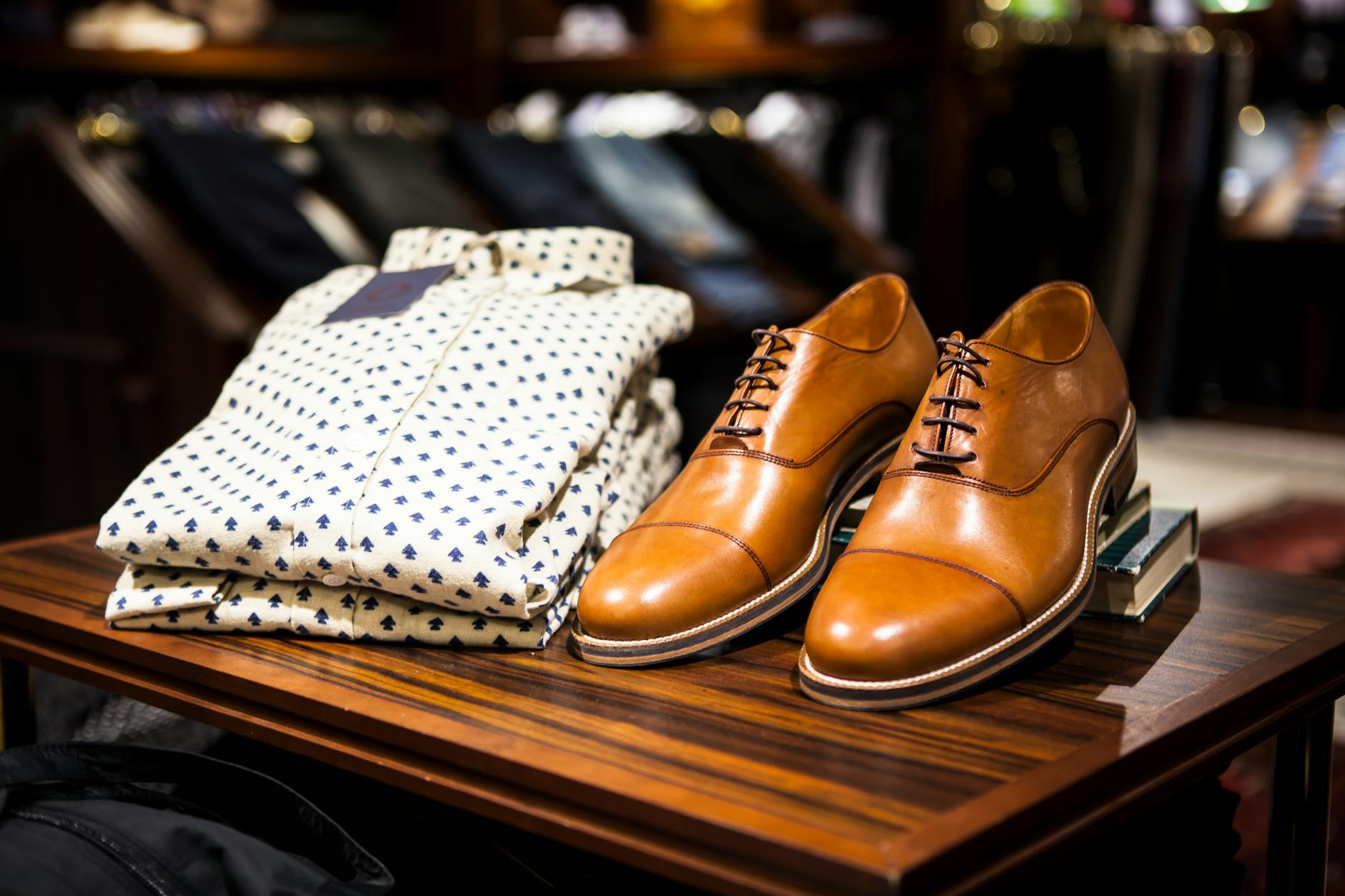
ALLEN SOLLY Stripes Cotton Linen Blend Regular Fit Mens Casual Shirt - White
-Card with Dismiss
Allen Solly
₹1499
New
ALLEN SOLLY Stripes Cotton Linen Blend Regular Fit Mens Casual Shirt - White
-Card with text overlay
Out of stock
Allen Solly
₹1499
ALLEN SOLLY Stripes Cotton Linen Blend Regular Fit Mens Casual Shirt - White
-Text only card
Allen Solly
₹1499
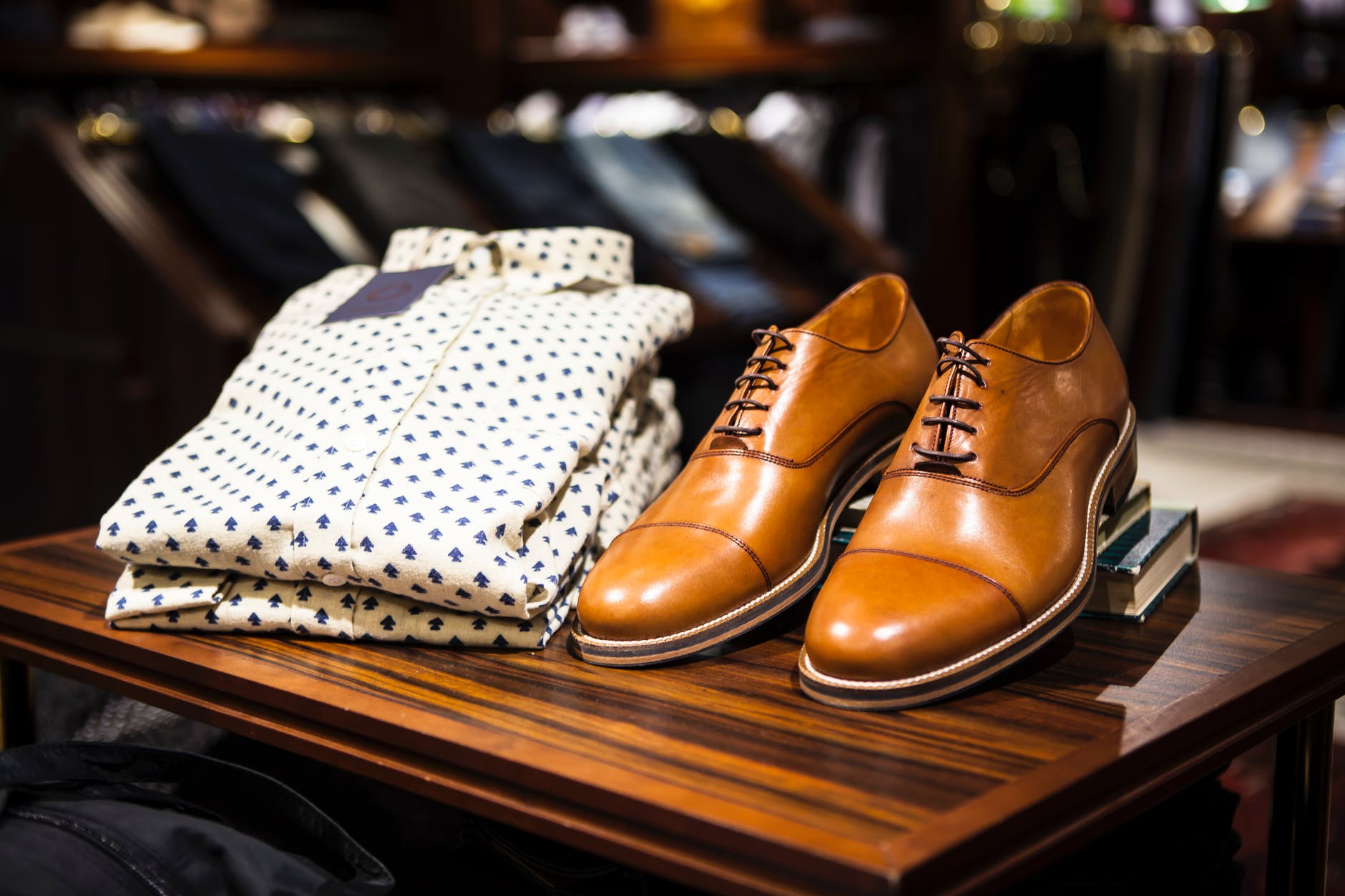
ALLEN SOLLY Stripes Cotton Linen Blend Regular Fit Mens Casual Shirt - White
-Horizontal card
Allen Solly
₹1499
ALLEN SOLLY Stripes Cotton Linen Blend Regular Fit Mens Casual Shirt - White
-Card with shadow
Allen Solly
₹1499
ALLEN SOLLY Stripes Cotton Linen Blend Regular Fit Mens Casual Shirt - White
Image
Images can be responsive to fit the parent's width, and also can be displayed as round shaped.
Responsive Image
There are basically 2 different styles:
- Round
- Retina
Example of Responsive Image
-Round Image

-Retina Image

Input
Input can be used to take information from a user. Listed below are the input fields having validation and styles.
Example of Input
-Normal Input
-Disabled Input
-Validation and success
Text-Utility
Text utilities describes the alignment, the font-sizes, the font-weights and additional styles.
Example of Text-Utility
-Heading
H1 Heading 1
H2 Heading 2
H3 Heading 3
H4 Heading 4
H5 Heading 5
H6 Heading 6
-Text-Size
Lorem ipsum dolor sit amet consectetur, adipisicing elit.
Lorem ipsum dolor sit amet consectetur, adipisicing elit.
Lorem ipsum dolor sit amet consectetur, adipisicing elit.
-Text-Color
Lorem ipsum dolor sit amet consectetur, adipisicing elit.
Lorem ipsum dolor sit amet consectetur, adipisicing elit.
-Text Alignment
Lorem ipsum dolor sit amet consectetur, adipisicing elit.
Lorem ipsum dolor sit amet consectetur, adipisicing elit.
Lorem ipsum dolor sit amet consectetur, adipisicing elit.
List
List can be used for displaying a series of contents.
Example of List
-Simple List
- List Item 1
- List Item 2
- List Item 3
- List Item 4
-Stacked List
-
 List Item 1
-
List Item 2
-
List Item 3
-
List Item 4
Modal
Modals use position: fixed, which can sometimes be a bit particular about its rendering.
Example of Modal
-Simple Modal
Modal title
Modal body text goes here.
Rating
Ratings are used to display reviews.
Example of Rating
Toast
Toasts are lightweight notifications designed to mimic the push notifications that have been popularized by mobile and desktop operating systems. They’re built with flexbox, so they’re easy to align and position.
Example of Toast
Can't use library. Retry in 5 seconds.
11 min ago
Grid
Grid system uses a series of containers, rows, and columns to layout and align content. It’s built with flexbox and is fully responsive.
Example of Grid
-2 Column Grid
-3 Column Grid